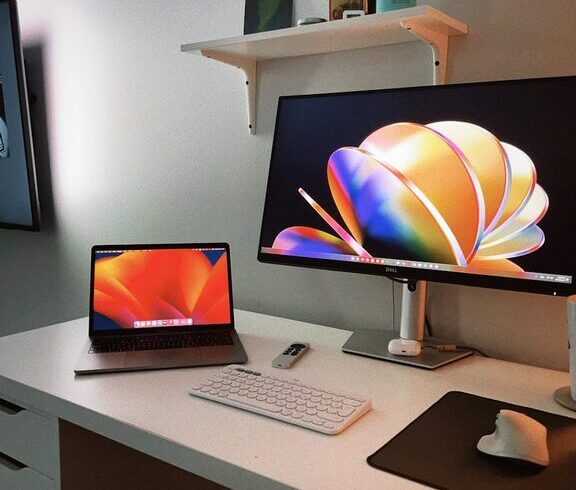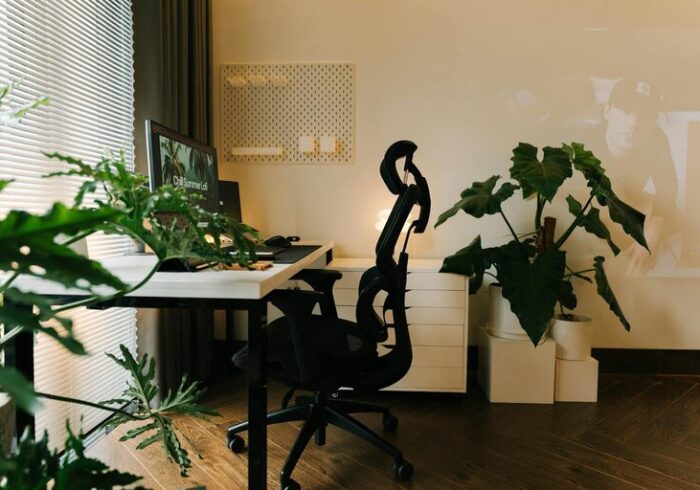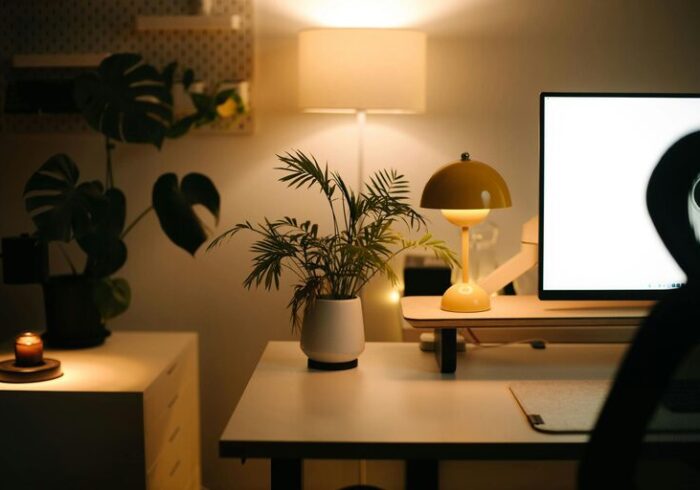
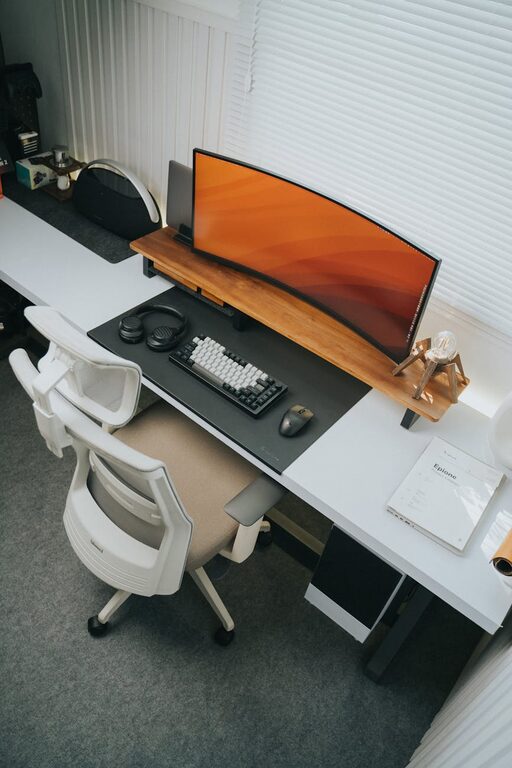
Creating a productive home workspace is essential for anyone working remotely or managing tasks from home. A well-organized and comfortable environment helps improve focus, reduce distractions, and increase overall efficiency. Whether you’re setting up a dedicated office room or just carving out a small corner of your home, these effective tips will guide you in creating the ideal workspace tailored to your needs.
1. Choose the Right Location
Selecting the right spot for your home workspace is the foundation of productivity. Consider a space that is:
– Quiet and away from distractions: If possible, pick a room or corner distant from high-traffic areas like the kitchen or living room.
– Well-lit: Natural light is ideal as it boosts mood and helps reduce eye strain. If natural light is limited, invest in good quality task lighting.
– Comfortable temperature: A space that is neither too hot nor too cold will keep you comfortable and focused.
2. Invest in Functional Furniture
Your furniture plays a crucial role in creating a productive and healthy workspace.
Desk
Choose a desk with enough surface area to accommodate your laptop or computer, accessories, and any paperwork. Consider a standing desk or adjustable desk if you want the option to change postures throughout the day.
Chair
Comfortable, ergonomic seating protects your back and improves posture. Adjustable chairs with lumbar support are recommended to avoid discomfort during long working hours.
Storage
Incorporate shelves, filing cabinets, or organizers to keep documents and supplies tidy. Declutter regularly to maintain a neat workspace.
3. Organize with Purpose
An orderly space encourages clarity and reduces stress.
– Use drawer dividers and desk organizers for stationery.
– Label folders and boxes for easy retrieval.
– Implement a filing system for digital and paper documents.
– Keep only essential items on your desk to minimize distractions.
4. Manage Cables and Electronics
Tangled cables and cluttered electronics can drain energy and focus.
– Use cable clips or sleeves to bundle wires neatly.
– Position your monitor(s) at eye level to avoid neck strain.
– Charge devices away from your workspace to reduce clutter.
– Keep frequently used tech tools within reach.
5. Personalize Your Space Wisely
Adding personal touches can make your workspace inviting without compromising professionalism or focus.
– Decorate with a few plants to improve air quality and add calm.
– Choose calming colors like soft blues, greens, or neutrals.
– Add motivational quotes or artwork that inspires.
– Ensure decorations don’t crowd your work area or create distractions.
6. Establish Boundaries
Defining clear boundaries helps separate work from personal life.
– Set work hours and communicate them to family or roommates.
– Use a dedicated workspace solely for work tasks.
– Avoid multitasking or working in relaxation areas like the bedroom or couch.
7. Optimize Lighting and Acoustics
Good lighting and sound conditions contribute greatly to productivity.
– Position your desk near windows for daylight whenever possible.
– Use adjustable lamps to reduce screen glare.
– Consider noise-cancelling headphones or background music to block distracting sounds.
– Use rugs, curtains, or soft furnishings to dampen echo in large rooms.
8. Keep Essentials Handy
Having key supplies close by saves time and keeps you on track.
– Stock up on pens, notepads, chargers, headphones, and other everyday tools.
– Maintain a water bottle or small snack to stay refreshed.
– Use a whiteboard or planner nearby to track tasks and deadlines.
9. Take Regular Breaks
A productive workspace encourages movement and mental breaks.
– Set timers or reminders to stand, stretch, or walk briefly every hour.
– Arrange your space so it’s easy to step away for short periods without losing momentum.
10. Review and Adapt Regularly
Your workspace should evolve with your work habits and needs.
– Evaluate your setup periodically to identify pain points or inefficiencies.
– Make small changes like repositioning your monitor or reorganizing supplies.
– Stay flexible and open to new organizational tools or layouts.
—
Final Thoughts
Designing a productive home workspace doesn’t require a large budget or complicated plans. Prioritizing comfort, organization, and a distraction-free environment can make a significant difference in your work quality and enjoyment. By following these tips, you’ll build a workspace that supports your focus, creativity, and well-being day after day.