Creating an efficient and comfortable home workspace is essential for maintaining productivity, especially when working remotely or spending extended hours at home. A well-organized workspace helps reduce distractions, keeps important items within reach, and creates a pleasant atmosphere that supports focus and creativity. This blog post will guide you through simple, practical tips to organize your home workspace and make the most out of your work-from-home experience.
Why Organizing Your Home Workspace Matters
Before diving into organization tips, it’s helpful to understand why your workspace setup can impact your workday. A cluttered or disorganized space can cause stress, reduce concentration, and lead to wasted time searching for things. In contrast, a tidy and thoughtfully arranged workspace boosts efficiency, encourages good posture, and supports mental clarity. When your workspace is comfortable and functional, it’s easier to stay motivated and productive.
Tips for Organizing Your Workspace
1. Choose the Right Location
Selecting a designated spot for your home workspace is the first step toward productive workdays. Ideally, pick a quiet area with minimal distractions and good natural lighting. If space is limited, consider a corner or a small nook and make it your dedicated work zone.
2. Declutter Regularly
Start by clearing everything from your desk and sorting through your items. Keep only the essentials on your desk and store or discard the rest. Regularly declutter to prevent buildup of unnecessary items. A clutter-free desk leads to a clutter-free mind.
3. Invest in Storage Solutions
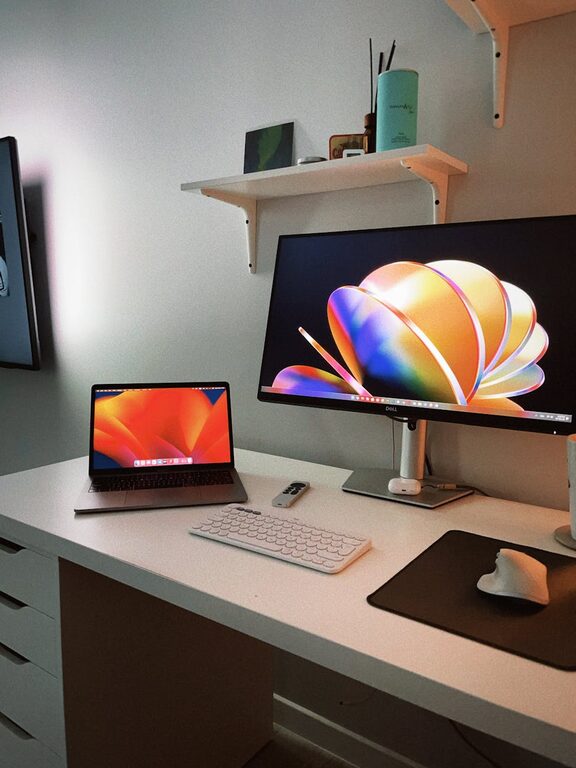
Use shelves, drawers, or organizers to keep supplies handy but out of sight. Boxes, trays, and file holders help sort paperwork and office accessories neatly. Labeling storage containers can save time and reduce frustration when searching for materials.
4. Optimize Your Desk Layout
Organize your most-used items within arm’s reach. This often includes your computer, phone, notebook, pens, and a water bottle. Place items you use less frequently further away to reduce clutter. Keep your mouse and keyboard aligned for comfortable use.
5. Prioritize Ergonomics
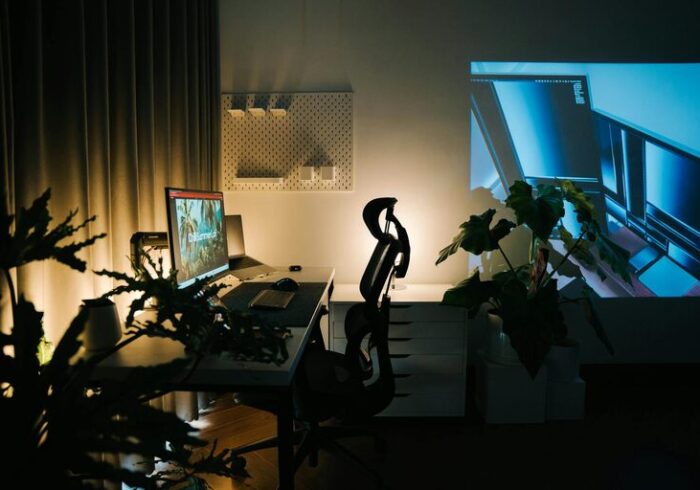
Comfort is key to sustaining long work hours. Use an adjustable chair that supports your lower back and allows feet to rest flat on the floor. Position your monitor at eye level to avoid neck strain. Consider a keyboard and mouse that fit your hand size and feel comfortable.
6. Manage Cables and Electronics
Tangled cables can be an eyesore and a distraction. Use cable clips or sleeves to bundle wires neatly. Label cables for easy identification. If possible, use wireless devices to reduce clutter further.
7. Incorporate Personal Touches
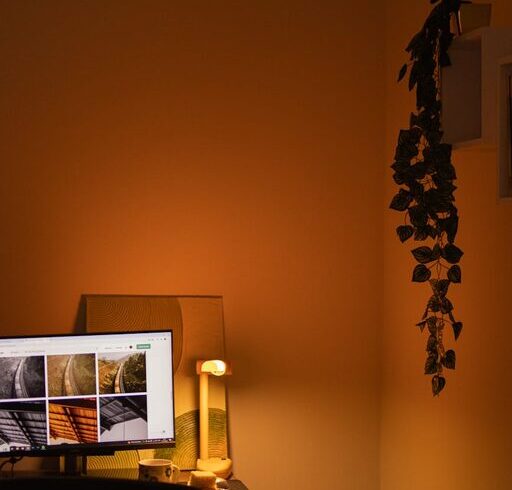
Adding a few personal items, like plants, photos, or artwork, can make your workspace welcoming and boost morale. Choose items that inspire or calm you without creating distractions.
8. Use Lighting Wisely
Good lighting reduces eye strain and enhances mood. Natural light is ideal, so position your desk near a window if possible. Supplement with a desk lamp that provides adequate, adjustable light for late-night tasks.
Daily Habits to Maintain an Organized Workspace
– End the Day with Tidy Up: Spend a few minutes at the end of each workday putting items back in place and clearing your desk. This helps create a fresh start the next morning.
– Keep a To-Do List or Planner: Organize your tasks clearly to keep your mind focused and reduce paper clutter.
– Set Boundaries: Use your workspace only for work to mentally separate professional and personal life, preventing mess buildup caused by multitasking.
Bonus: Digital Organization
Your physical environment isn’t the only space that needs attention. A cluttered computer desktop and disorganized files can also impact productivity.
– Create folders to group related files.
– Use cloud storage for easy access and backup.
– Regularly delete or archive outdated documents.
– Organize your email inbox with folders or labels.
Conclusion
Organizing a home workspace doesn’t have to be complicated. By choosing the right spot, keeping your area clutter-free, optimizing your desk layout, and prioritizing comfort, you can create a space that encourages productivity and well-being. Incorporating small daily habits will help you maintain organization over time. Remember, a well-arranged workspace reflects a clear and focused mind, making your workday more enjoyable and efficient.
Try these tips to transform your home workspace and enjoy a better work-from-home experience starting today!